FTP Support
The following are instructions on transfering files such as dumps or
screen prints to the Trident FTP site.
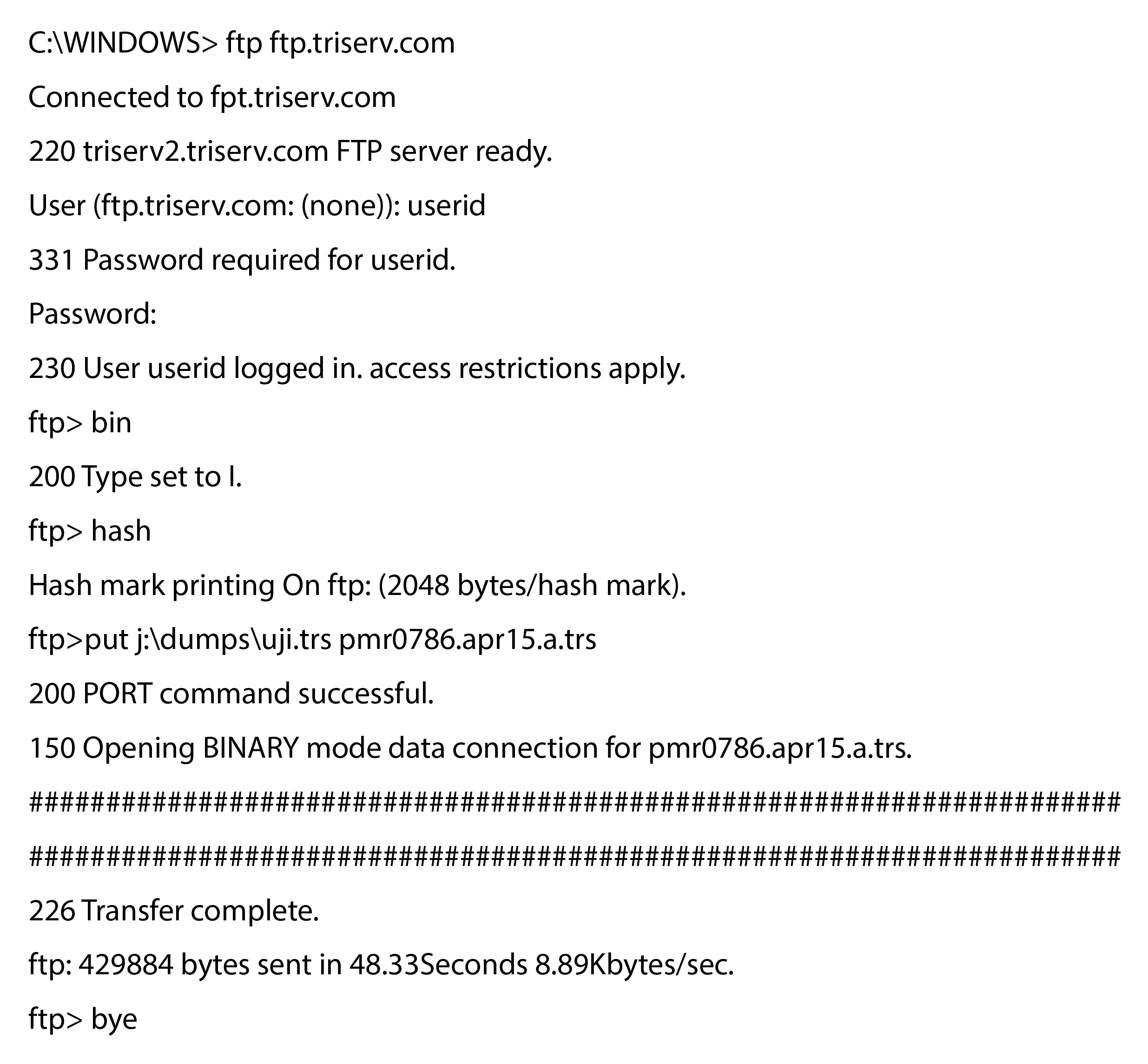
- Start your FTP program and connect to ftp.triserv.com
- Login using your user ID and password provided by Trident Support
- Turn on binary transfer mode using the following command: bin
- You may also want to turn on hash marks so you can see the transfer take place, using the following command: hash
- Now start the stransfer with the put command as follows:
put your.directory\file.name triserv.file.name
Use the following file naming conventions: pmrcccc.mmmdd.x.typ
Where pmrcccc is the problem report number assigned to you, such as PMR0786; mmmdd is the current date;
x is only used if sending multiple files, then use A through Z
end with the type of file, use TRS for packed dumps and TXT for any text files.
Sample FTP session